
Track Saw + TSO Guide
A track saw makes it possible to break down full sheets of plywood accurately without wrestling them across a table saw. This guide explains how to set up your rail, establish a straight reference edge, make square and repeatable cuts, reduce tear-out, and turn a CutListMaker cutting plan into finished cabinet panels.
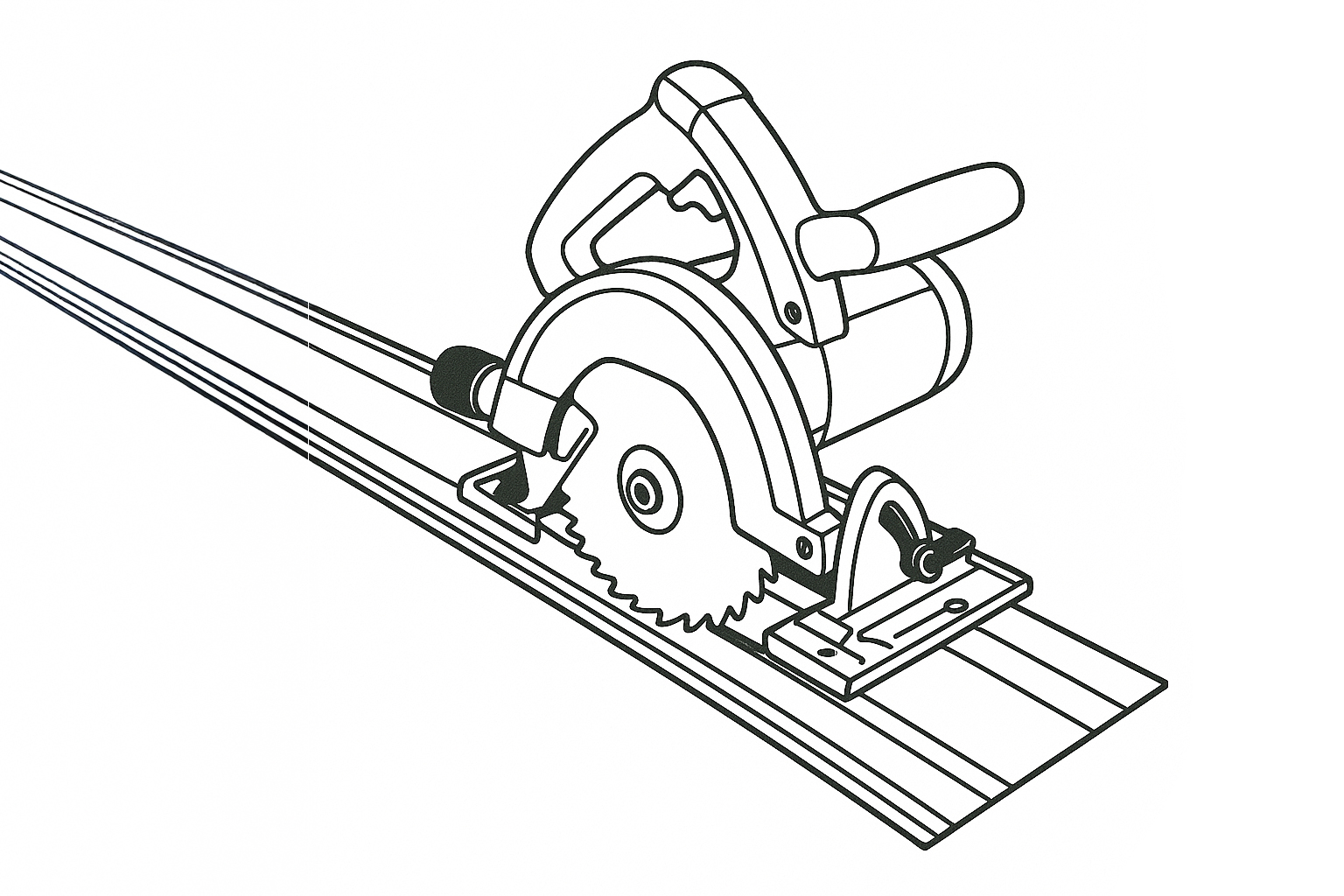
Track Saw
Track saw with guide rail delivers precise, repeatable cuts. Lightweight, portable, and quick to set up, with multiple configuration options available.
View the Track Saw Setup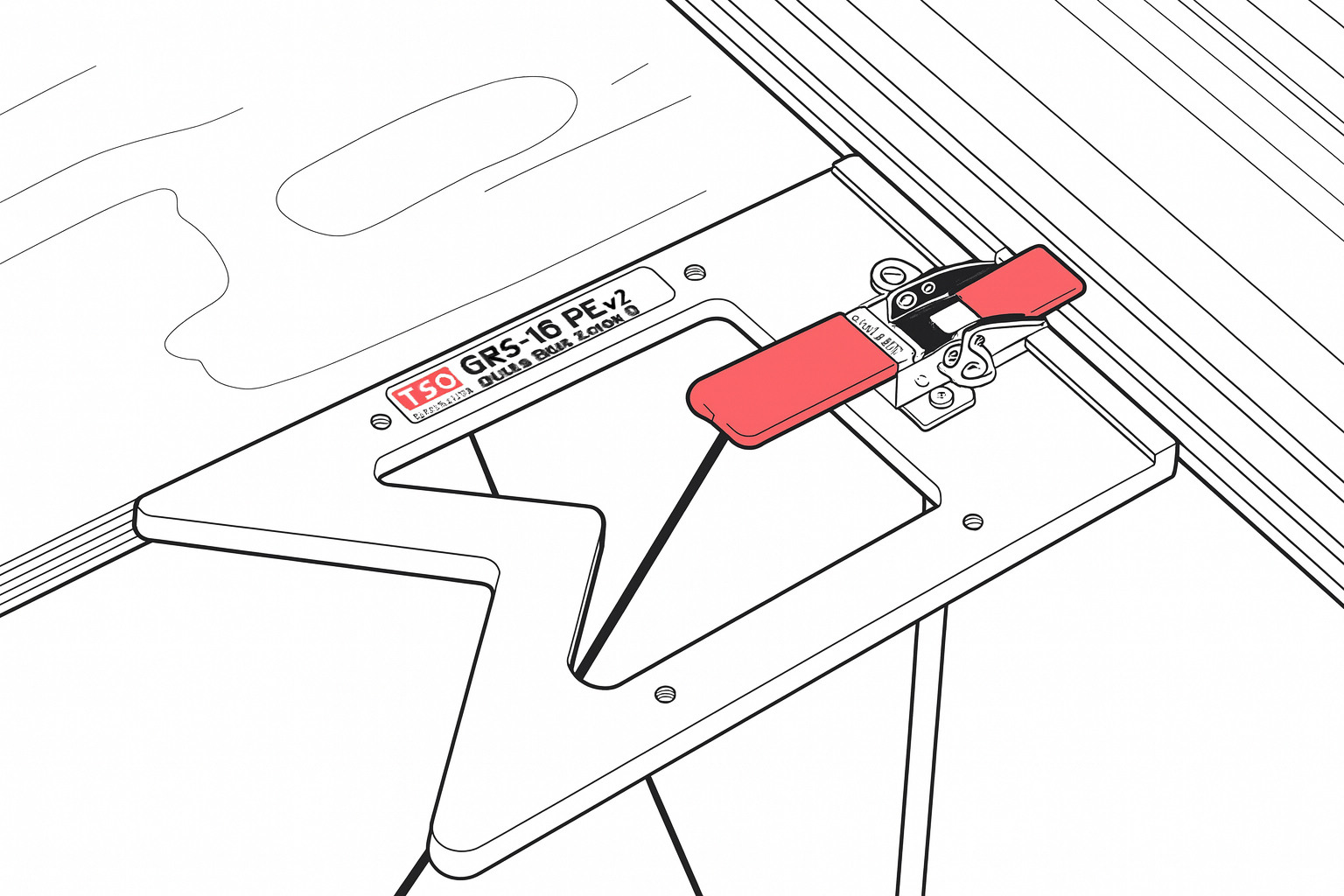
TSO Rail Guide Square
Helps produce repeatable square cuts when properly calibrated and registered against a straight reference edge.
View the TSO Rail Guide Square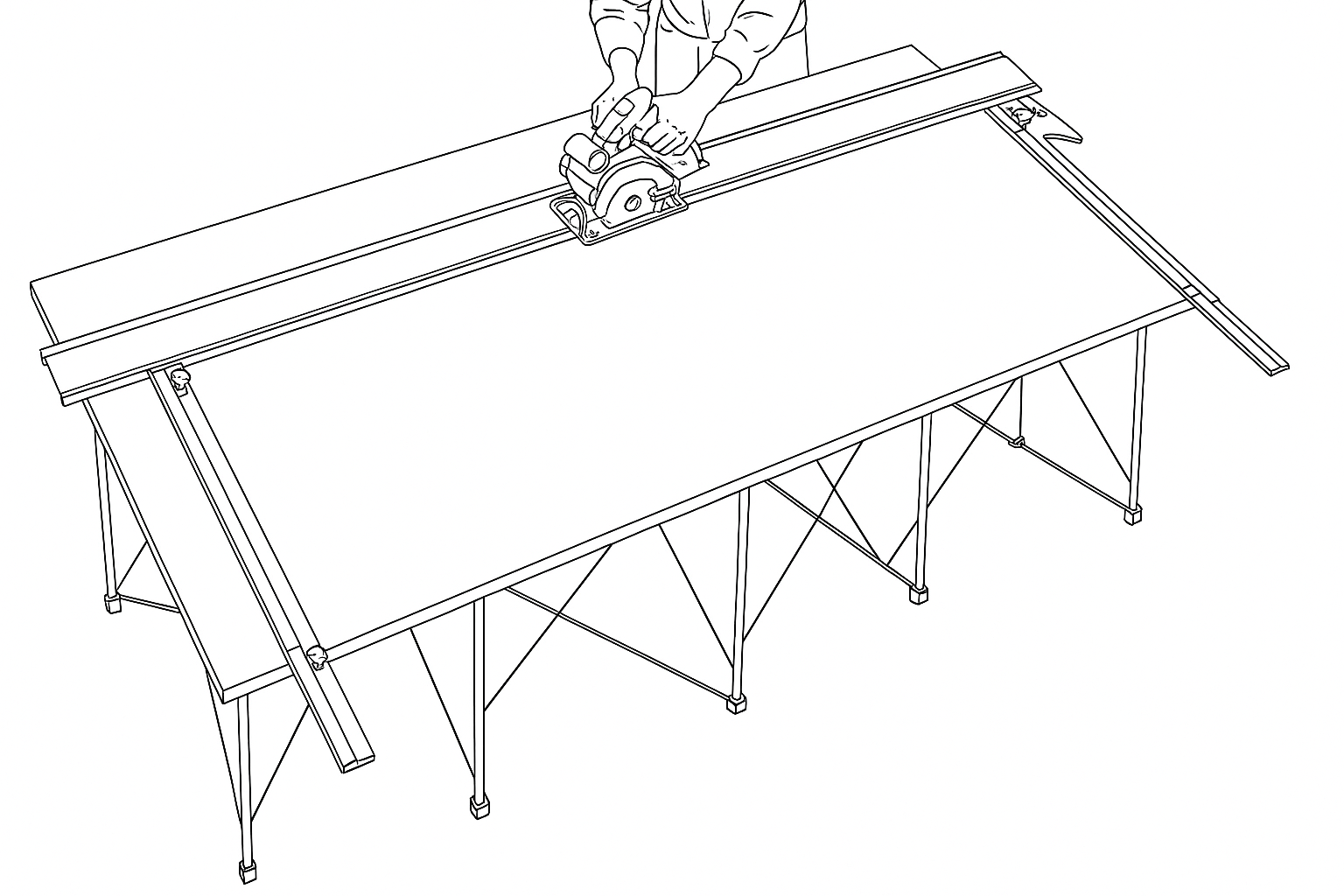
TSO Parallel Guide System
Helps position the guide rail at a repeatable distance from the material edge for consistent panel widths.
View the TSO Parallel Guide SystemWritten by Philip Miller — Woodworker and creator of CutListMaker. This guide is based on the track-saw workflow used in Philip's workshop.
Why Use a Track Saw for Plywood?
A track saw cuts plywood by moving the saw along a guide rail while the sheet remains stationary on a cutting table or foam board. This is the opposite of a table saw, where the material is pushed past a fixed blade. The difference matters when you are working with full 4-by-8 sheets that are heavy, awkward, and difficult to control on a table saw.
Track saws are useful in small shops where a large table saw is not practical, and on job sites where portability matters. They excel at breaking down full plywood sheets into manageable panels before final sizing.
A splinter guard on the guide rail and a sharp blade appropriate for plywood can help reduce tear-out on the cut edge. The rail also serves as a straight reference, so the cut follows the rail rather than a freehand line.
A track saw can complement a table saw rather than always replacing one. Many woodworkers use a track saw for initial sheet breakdown and a table saw for repeatable narrow rips, dados, and small parts. For a detailed comparison, see our track saw versus table saw comparison.
Accuracy still depends on setup, calibration, support, and technique. A track saw does not guarantee a perfect cut by itself, but it makes accurate cuts achievable when the rail is properly positioned and the sheet is well supported.
Track Saw Setup Checklist
Before making any cut, gather the following:
- Track saw with a compatible guide rail
- Sharp blade appropriate for plywood
- Sacrificial foam board or a supported cutting surface
- Dust collection (shop vacuum or dust extractor)
- Rail clamps for when the setup could allow movement
- Eye and hearing protection
- Rail square for square crosscuts
- Parallel guides for repeatable widths
- Cut list and cutting sequence
How to Cut a Full Sheet of Plywood
- Support the entire plywood sheet. Place the sheet on a sacrificial foam board or a stable cutting table so the entire surface is supported and the sheet does not flex or tip during the cut.
- Confirm the finished side and grain direction. Identify the best face of the plywood and mark it with painter's tape. Note the grain direction so matching panels stay consistent.
- Set an appropriate blade depth. Set the blade depth according to the saw manufacturer's instructions, typically slightly deeper than the plywood thickness.
- Establish a straight reference edge. Use a factory edge or a previously cut straight edge as the reference for the guide rail or rail square.
- Confirm which side of the cut line is waste. Mark the waste side of the cut line so the blade kerf falls on the correct side and the finished piece is not undersized.
- Align the splinter guard with the cut line. Position the guide rail so the splinter guard aligns with the cut line. The splinter guard shows the exact cutting edge.
- Clamp the rail when needed. Clamp the rail when the material or setup could allow movement, especially on slick surfaces or for critical cuts.
- Start the saw correctly. Start the saw and allow it to reach operating speed before plunging into the material.
- Plunge and move through the cut. Plunge the blade and move through the cut at a steady rate without forcing the saw.
- Support and label the finished pieces. Support offcuts so they do not fall and label each finished part immediately after cutting.
Square Crosscuts
A guide rail square registers against a straight reference edge and helps position the rail at 90 degrees for square crosscuts. Instead of measuring and marking a square line on the sheet, you align the square against the reference edge and place the rail against the square.
Accuracy depends on:
- A straight reference edge that is free of damage
- Proper calibration of the rail square to the rail
- Firm registration of the square against the reference edge
- Preventing rail movement during the cut
- Confirming the setup before cutting expensive material
A rail square helps produce repeatable square cuts when properly calibrated and registered against a straight reference edge.
Repeatable Parallel Cuts
Parallel guides reference from the material edge to position the rail at a repeatable width. Instead of measuring each cut from the edge, you set the guides to the desired width and the rail is positioned automatically.
This differs from a rail square, which sets the angle of the cut rather than the width. Parallel guides are useful for cabinet sides, shelves, and repeated panels where multiple pieces need to be the same width.
Once the guides are set and calibrated, each cut is positioned at the same width without re-measuring.
Rail Square vs. Parallel Guides
| Accessory | Primary purpose | Best use |
|---|---|---|
| Guide rail square | Aligns the rail for square crosscuts | Cabinet parts, shelves, and panel crosscuts |
| Parallel guides | Positions the rail at a repeatable distance from an edge | Repeatable rip cuts and matching panel widths |
| Rail clamps | Help prevent rail movement | Slick surfaces, critical cuts, and uncertain setups |
| Long guide rail | Spans larger sheet dimensions | Full-sheet rip and crosscuts |
| Splinter guard | Shows the cutting edge and supports fibers | Cut-line alignment and reduced tear-out |
Using a CutListMaker Track Saw Plan
CutListMaker generates an optimized sheet layout and a cutting sequence designed for track saw workflows. Here is how to use it:
- Enter the sheet size, kerf, material, parts, quantities, and grain direction.
- Choose the Track Saw cutting method.
- Generate the optimized sheet layout.
- Review the cutting sequence before touching the plywood.
- Make the major breakdown cuts first.
- Maintain the required reference edges.
- Use a rail square for square crosscuts.
- Use parallel guides for repeatable widths.
- Label each finished part.
- Save useful offcuts for future projects.
Common Track Saw Mistakes
- Cutting on the wrong side of the line. The blade kerf removes material. If you cut on the wrong side, the finished piece will be undersized.
- Forgetting blade kerf. Enter the correct kerf thickness in CutListMaker so the optimizer accounts for it in the layout.
- Referencing from a damaged or uneven edge. A rail square or parallel guides are only as accurate as the reference edge they register against.
- Ignoring grain direction. Matching panels should have consistent grain direction. Enter grain direction in CutListMaker and mark the finished side before cutting.
- Using an unsuitable or dull blade. A blade designed for plywood helps reduce tear-out. A dull blade increases tear-out and requires more force.
- Setting the blade unnecessarily deep. A deeper cut removes more material and can increase tear-out. Set the depth according to the manufacturer's instructions.
- Failing to support the entire sheet. An unsupported sheet can flex or tip, causing the cut to wander or the offcut to fall and damage the finished edge.
- Allowing the rail to move. If the rail shifts during the cut, the cut line will not be straight. Clamp the rail when the setup could allow movement.
- Failing to calibrate a rail square or parallel guides. Check the calibration against a known square or reference before cutting expensive material.
- Making cuts in an inefficient sequence. Review the CutListMaker cutting sequence before cutting. An inefficient sequence can leave you without the reference edges needed for later cuts.
- Forgetting to label finished pieces. Label each part immediately after cutting so you can identify it during assembly.
Frequently Asked Questions
Can a track saw replace a table saw?
A track saw can handle breaking down full sheets of plywood and making long, straight cuts, but a table saw remains useful for repeatable narrow rips, dados, and small parts. Many woodworkers use both together. For a detailed comparison, see our track saw versus table saw comparison.
What size guide rail do I need for a 4x8 sheet of plywood?
Rail requirements depend on the direction and length of the cut, the required rail overhang, and the saw manufacturer's setup. A rail that spans the full 96-inch length of the sheet is needed for lengthwise crosscuts. Shorter rails can handle widthwise rips. Check your saw's manual for minimum and maximum rail lengths.
Do I need to clamp a track-saw rail?
Many track saws have non-slip pads that hold the rail in place for routine cuts. Clamping is recommended on slick surfaces, for critical cuts, or when the setup could allow the rail to shift.
How do I reduce tear-out when cutting plywood?
Use a sharp blade designed for plywood, ensure the splinter guard is properly trimmed to the blade, cut with the finished side down, and move through the cut at a steady rate. A rail square or parallel guides help keep the rail from shifting, which also helps reduce tear-out.
What is the difference between a rail square and parallel guides?
A rail square registers against a straight reference edge to position the guide rail at 90 degrees for square crosscuts. Parallel guides reference from the material edge to position the rail at a repeatable distance for rip cuts of a specific width.
How do I make repeatable cuts with a track saw?
Use parallel guides to set a repeatable distance from the material edge. Once the guides are set and calibrated, each cut is positioned at the same width without re-measuring. This is useful for cabinet sides, shelves, and repeated panels.
Should I make rip cuts or crosscuts first?
A CutListMaker cutting sequence typically starts with major breakdown cuts that divide the full sheet into manageable sections, then refines each section into finished parts. The sequence depends on your cut list and grain direction. Review the generated sequence before cutting.
How does CutListMaker account for blade kerf?
CutListMaker subtracts the blade kerf from the usable material between each cut. You enter the kerf thickness when setting up the project, and the optimizer accounts for it in the layout and cutting sequence.
Can CutListMaker create a track-saw cutting plan?
Yes. CutListMaker has a Track Saw cutting method that generates an optimized sheet layout and a cutting sequence designed for track saw workflows. Enter your parts, choose Track Saw as the cutting method, and generate the plan. Create a track saw cutting plan.
Ready to Optimize Your Track Saw Cuts?
Enter your parts, choose the Track Saw cutting method, and generate an optimized plywood cutting plan.
Create Your Track Saw Cut PlanCut List Optimizer · Cutting Methods · Track Saw vs. Table Saw · Import 3D Model · Blog